


When you travel, your mobile device becomes one of your most valuable tools—storing personal information, travel documents, payment details, and communication apps. Because you’re often in unfamiliar places, your device is more vulnerable to theft, loss, or cyberattacks.
Travel environments like airports, hotels, and cafes often have unsecured public Wi-Fi networks that hackers can exploit to intercept your data.
Without proper security measures, sensitive information such as passwords, banking details, and private messages can be compromised.
Additionally, losing your device while traveling can cause major disruptions—not just because of the loss itself but also due to potential unauthorized access to your accounts. Protecting your device helps ensure your personal and professional information stays safe and keeps your trip running smoothly.
By prioritizing mobile device security during travel, you reduce the risk of identity theft, financial loss, and privacy breaches. It also gives you peace of mind, allowing you to focus on enjoying your journey rather than worrying about digital threats.
Use Strong Passwords and Biometric Locks
One of the simplest yet most effective ways to protect your mobile device while traveling is by using strong passwords and biometric locks. A strong password—ideally a mix of letters, numbers, and special characters—makes it much harder for anyone to guess or crack your device’s security.
Biometric locks, such as fingerprint scanners or facial recognition, add an extra layer of protection. These methods are not only convenient but also more secure since they rely on unique physical traits that are difficult to replicate.
Avoid using easily guessable passwords like birthdays or common words. Instead, opt for longer passcodes or use a password manager to generate and store complex passwords safely.
Combining a strong password with biometric authentication ensures your device stays locked even if it’s lost or stolen, preventing unauthorized access to your personal data and sensitive information.
Enable Two-Factor Authentication (2FA)

When traveling, securing your mobile device and online accounts becomes even more critical due to the increased risks of cyber threats.
One of the most effective ways to enhance your security is by enabling Two-Factor Authentication (2FA). This extra layer of protection goes beyond just your password by requiring a second form of verification before granting access to your accounts.
2FA usually involves something you know (your password) and something you have (a temporary code sent to your phone or generated by an authentication app).
This means that even if your password is compromised through phishing, data breaches, or theft, unauthorized users cannot access your accounts without the second factor.
This is especially important when using public Wi-Fi networks commonly found in airports, hotels, or cafes, where hackers often attempt to intercept login credentials.
Most major services, including email providers, social media platforms, banking apps, and cloud storage services, support 2FA. Activating this feature on all accounts linked to your mobile device significantly reduces your risk of identity theft, financial loss, and privacy breaches.
There are different types of 2FA methods, such as SMS codes, authentication apps like Google Authenticator or Authy, and hardware tokens.
Authentication apps are generally more secure than SMS, which can be vulnerable to SIM swapping attacks. Make sure to choose a 2FA method that balances security and convenience for you.
Before traveling, review your accounts and enable 2FA wherever available. Also, consider saving backup codes securely or setting up alternative verification methods in case you lose access to your primary device. This preparation will ensure continuous access while maintaining strong security.
Enabling Two-Factor Authentication is a simple but powerful way to safeguard your digital life on the move, giving you peace of mind and helping prevent unauthorized access to your personal and sensitive information during your travels.
Keep Your Software and Apps Updated
Keeping your mobile device’s software and apps up to date is one of the simplest yet most effective ways to protect your device while traveling.
Software updates often include important security patches that fix vulnerabilities hackers might exploit to access your data or take control of your device.
When manufacturers and developers release updates, they address newly discovered security flaws and improve the overall safety of your device. By delaying or ignoring these updates, you leave your device exposed to potential cyberattacks, especially when you’re in unfamiliar locations where security risks are higher.
Travelers often connect to public Wi-Fi networks in airports, hotels, and cafes, which are more vulnerable to attacks. Updated software can better defend against malware, ransomware, and other threats commonly spread on unsecured networks.
Besides security fixes, updates also enhance app performance and compatibility, ensuring your device runs smoothly throughout your trip. Many apps, especially banking, messaging, and travel apps, receive frequent updates to protect your sensitive information.
To stay protected, enable automatic updates on your device and apps before you travel. This way, your mobile device will install the latest security patches without requiring manual intervention. If you prefer manual updates, set a routine to check for updates regularly, especially before and during your trip.
Additionally, uninstall any unused or outdated apps that could pose security risks. These apps might no longer receive updates and could become easy targets for cybercriminals.
In summary, consistently keeping your software and apps updated is a vital step to maintain strong defenses against evolving digital threats while traveling. It ensures your device is equipped with the latest protections, helping you stay safe and connected throughout your journey.
Avoid Public Wi-Fi or Use a VPN
Public Wi-Fi networks, like those found in airports, hotels, cafes, and other travel hotspots, are convenient but often unsecured. When you connect to these networks, your mobile device becomes vulnerable to cyber threats such as data interception, man-in-the-middle attacks, and hacking attempts.
Hackers can easily eavesdrop on your online activities, steal sensitive information like passwords, credit card numbers, and personal messages, putting your privacy and security at risk.
Because of these dangers, it’s best to avoid using public Wi-Fi altogether, especially for sensitive tasks like online banking, accessing work emails, or entering passwords. Instead, use your mobile data plan when possible, which is generally more secure.
If you must use public Wi-Fi, always protect your connection with a Virtual Private Network (VPN). A VPN encrypts your internet traffic, creating a secure “tunnel” between your device and the VPN server. This encryption prevents hackers from intercepting your data, even on unsecured networks.
When choosing a VPN, opt for a reputable provider that offers strong encryption standards, a no-logs policy, and fast connection speeds. Many VPNs also include features like automatic Wi-Fi protection, which activates whenever you connect to a public network, adding extra security.
Using a VPN not only protects your data but also helps you maintain privacy by masking your IP address and location, which can prevent tracking by third parties.
In summary, avoiding public Wi-Fi or using a VPN is essential for keeping your mobile device and data safe while traveling. Taking these precautions helps safeguard your personal information and ensures a secure online experience no matter where your travels take you.
Use Encryption and Secure Messaging Apps
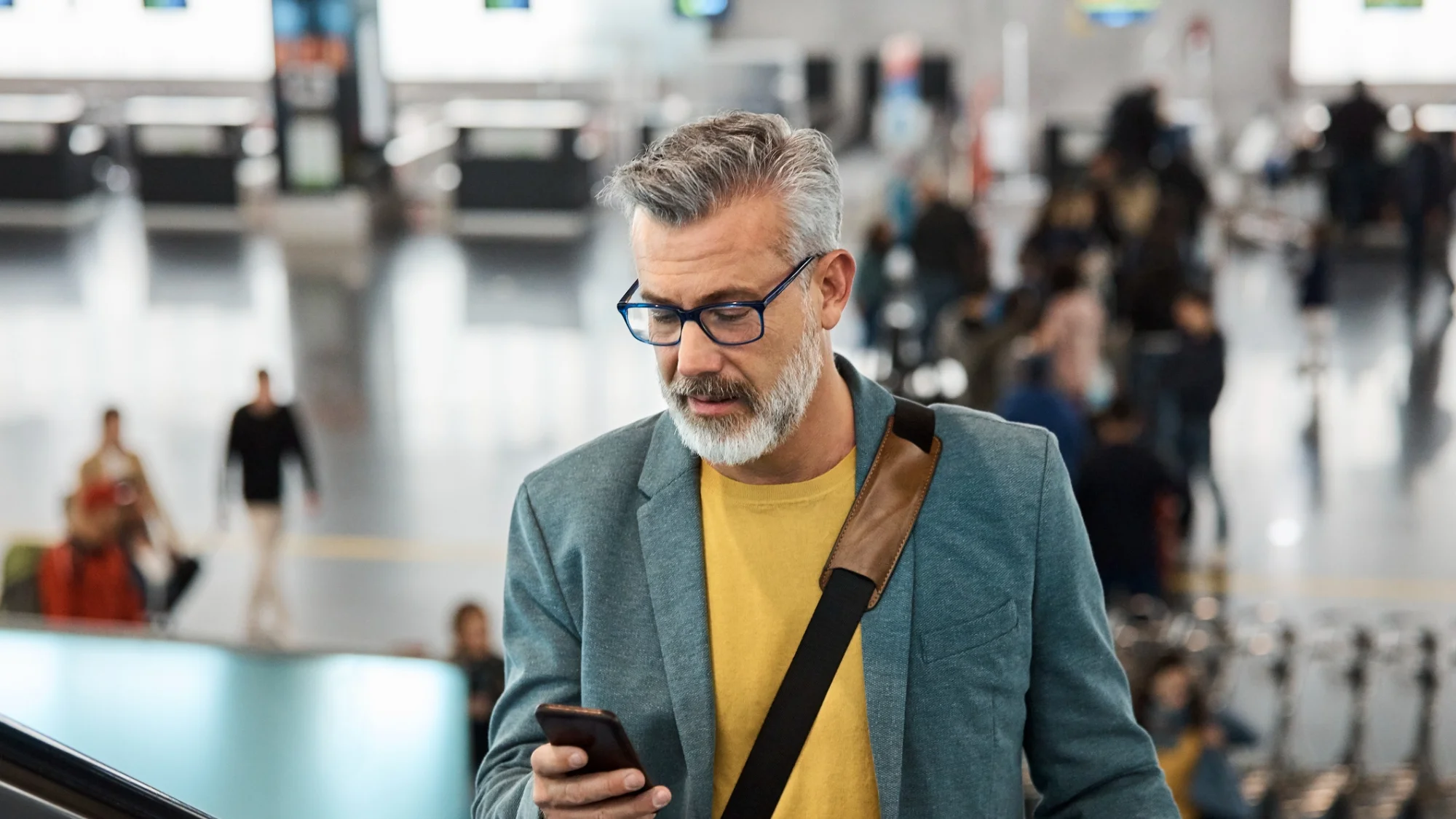
When traveling, protecting your communication is just as important as securing your device itself. Using encryption and secure messaging apps ensures that your conversations and data remain private and inaccessible to unauthorized users, especially when you’re connected to unfamiliar or public networks.
Encryption is a process that converts your messages or data into a coded format, making it unreadable to anyone who doesn’t have the correct decryption key.
Many popular messaging apps now offer end-to-end encryption, which means only you and the person you’re communicating with can read the messages. Not even the app provider can access your conversations.
Secure messaging apps like Signal, WhatsApp, and Telegram are popular choices because they provide strong encryption by default. These apps protect your texts, voice calls, video chats, and file transfers, ensuring your communications remain confidential, even if intercepted by hackers or government surveillance.
Besides choosing secure apps, consider encrypting your device’s storage. Most smartphones offer built-in encryption options that protect the data saved on your device, requiring your password or biometric verification to access. This way, if your device is lost or stolen, the data remains protected.
Avoid using standard SMS or unencrypted messaging platforms, especially when sharing sensitive information like passwords, financial details, or personal documents during travel.
Incorporating encryption and secure messaging into your travel security routine minimizes the risk of data breaches and maintains your privacy. It also helps you communicate safely with family, friends, or colleagues while abroad.
Disable Automatic Connections and Sharing
When traveling, your mobile device might be set to automatically connect to available Wi-Fi networks or share data with nearby devices. While these features can be convenient at home, they pose significant security risks when you’re on the move.
Automatic Wi-Fi connections can unknowingly connect your device to unsafe or rogue networks set up by cybercriminals to intercept your data. These fake networks, often named similarly to legitimate hotspots, trick devices into connecting, allowing hackers to steal sensitive information or install malware.
Similarly, automatic Bluetooth or file-sharing settings can expose your device to unauthorized access or data sharing without your knowledge. Nearby attackers could exploit vulnerabilities to access your files, contacts, or even inject malicious software.
To protect your device while traveling, it’s essential to disable automatic Wi-Fi connections and sharing features. On both iOS and Android devices, you can turn off “Auto-Join” for Wi-Fi networks and switch off Bluetooth when not in use. Also, disable features like AirDrop or Nearby Share unless you specifically need them.
By managing these settings manually, you control when and where your device connects or shares data, reducing the risk of exposure to malicious networks or devices.
Remember to forget Wi-Fi networks you no longer use or that may be unsafe. This prevents your device from automatically reconnecting to potentially compromised hotspots in the future.
Disabling automatic connections and sharing not only enhances your security but also helps save battery life during travel. This simple precaution minimizes your device’s vulnerability and protects your personal data when you’re away from trusted environments.
Conclusion
Protecting your mobile device while traveling is essential to safeguard your personal information, financial data, and privacy.
The risks increase significantly when you connect to unfamiliar networks, lose physical control of your device, or expose sensitive information online.
By taking proactive steps—such as enabling two-factor authentication, keeping your software updated, avoiding public Wi-Fi or using a VPN, using encryption and secure messaging apps, and disabling automatic connections—you greatly reduce the chances of falling victim to cyberattacks.
Each of these measures adds a layer of security, making it much harder for hackers to access your data or compromise your device. While traveling, the stakes are higher, so it’s critical to stay vigilant and cautious about how you use your mobile device.
Remember, technology alone can’t guarantee complete protection; your awareness and smart habits are equally important. Always be cautious about what you connect to and share, and regularly review your security settings.
By following these best practices, you can enjoy your travels with peace of mind, knowing your mobile device and sensitive data are well-protected against digital threats. Staying secure on the go helps ensure a smooth and worry-free travel experience.
